
Why 'Context Juggling' is the Biggest Productivity Killer in 2026
We all use multiple AIs. Claude is unmatched for writing robust code, ChatGPT handles data analysis perfectly, and Gemini is great for rapid web research. But jumping between them creates a hidden tax on your workflow known as "Context Juggling."
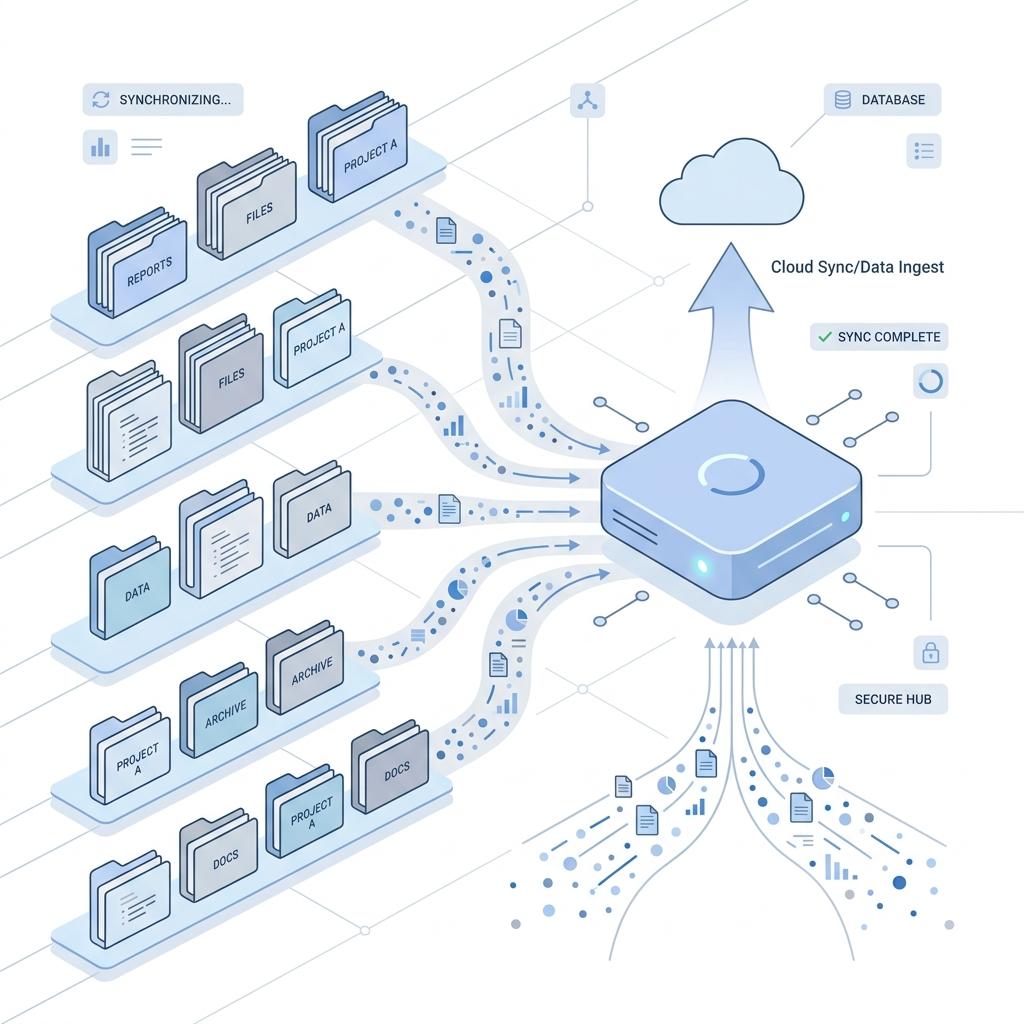
What is Context Juggling?
Context Juggling occurs when you have to repeatedly explain your project state, your preferred formatting, or your technical stack to a new AI session. It looks like this:
- Pasting a 500-line
schema.sqlfile into every new chat just so the AI knows your database structure. - Constantly reminding the AI to "use TypeScript instead of JavaScript" or "avoid using Tailwind."
- Hitting a usage limit on one platform, and spending 10 minutes getting another platform up to speed on what you were just doing.
How to Fix It with a Memory Layer
The solution to Context Juggling isn't to write longer system prompts or use a text-expander app. The solution is an automated, browser-level memory layer.
Tools like Unifie AI run silently in the background of your browser. When you correct an AI, mention a project variable, or specify a preference, Unifie saves it as a permanent fact. When you open a fresh chat window — whether in ChatGPT, Claude, or Gemini — Unifie instantly injects that context.
The Result
By eliminating Context Juggling, developers and creators are saving an average of 4-5 hours per week. Your AI becomes a true partner that remembers your past conversations, instead of a goldfish that resets every time you open a new tab.
Stop Juggling. Start Building.
Unifie AI is a universal memory layer that syncs your context across ChatGPT, Claude, and Gemini. Install the free Chrome extension and give your favorite AI a persistent brain.
Frequently Asked Questions
How much time does Unifie actually save?
For power users who manage large codebases or complex writing projects, eliminating the need to copy-paste context documents saves dozens of minutes daily, translating to several hours per week.
Does it work automatically?
Yes. Once installed, Unifie uses advanced retrieval-augmented generation (RAG) in the background to automatically find and inject the right facts into your prompt box based on what you are asking.